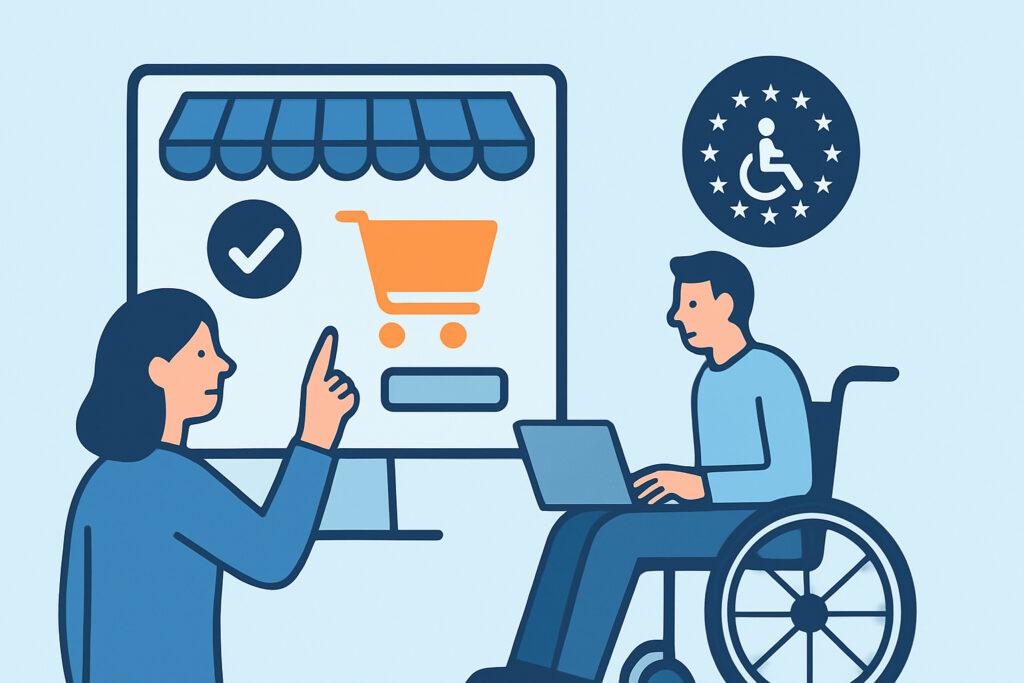
If your online shop sells to consumers anywhere in the EU, the European Accessibility Act has applied to you since 28 June 2025. The European Accessibility Act sets binding requirements for e-commerce services, and online shops now need to show that customers with disabilities can browse, choose, pay and get support without barriers. This article covers who is in scope, what the law requires in practice, where shops usually fail, and how to keep accessibility compliance from slipping after launch.
Who the European Accessibility Act Actually Covers
The EAA is Directive (EU) 2019/882. Each member state has written it into national law, for example the Barrierefreiheitsstärkungsgesetz (BFSG) in Germany. E-commerce services are listed by name in its scope. That means any website or app through which a consumer can buy goods or services at a distance, from a fashion store on Shopify to a WooCommerce shop selling spare parts.
Microenterprises providing services are exempt. These are businesses with fewer than 10 employees and annual turnover or a balance sheet total of no more than €2 million. Both conditions apply. A five-person shop turning over €3 million is still in scope.
Pure B2B shops are generally outside the directive, because it protects consumers. A shop that sells to both businesses and consumers is fully covered, and many “B2B” stores turn out to accept private customers when checked.
Myth: The EAA Only Applies to EU-Based Companies
This misconception is common, and it costs money. The obligations follow the customer, not the company’s registered address. A US or UK retailer that ships to France and sells to French consumers falls under the French implementation. National enforcement differs. Penalties, supervising authorities and complaint routes vary between member states, so anyone selling across borders should look at cross-border compliance when selling to multiple EU countries as a whole.
A second myth is that an accessibility overlay widget makes a site compliant. It does not. Overlays sit on top of the existing code and cannot repair a checkout button that has no accessible name or a payment form that traps keyboard focus. Some overlays also interfere with screen readers.
What European Accessibility Act Obligations Mean in Practice
The directive describes outcomes, not code. The practical benchmark is the harmonised standard EN 301 549, whose web requirements correspond to WCAG 2.1 Level AA. Following it gives a presumption of conformity. For an online shop, the requirements fall into four areas.
The first is the purchase journey itself. Product search, filters, product pages, the cart, account creation, checkout, payment and order confirmation must all work with a keyboard, a screen reader such as NVDA or VoiceOver, and 200% zoom. Every product image needs alt text, error messages must be announced to screen readers, and session timeouts must be adjustable.
The second is identification and payment. Annex I requires identification, security and payment methods to be perceivable, operable, understandable and robust. This covers 3-D Secure challenges, CAPTCHA and one-time codes. An inaccessible image CAPTCHA at checkout is a direct failure.
The third is information about the service. Annex V requires the shop to publish how it meets the accessibility requirements, usually in the terms and conditions or a dedicated accessibility page. This is an EAA statement, not the public-sector statement under Directive 2016/2102, and the contents differ. The accessibility statement requirements overlap but are not the same.
The fourth is documentation. If you claim a disproportionate burden exemption for part of the service, you must carry out the assessment, keep it on file, review it at least every five years and be able to give it to the authority. Cost alone, without that analysis, is not enough.
A Realistic Scenario: The Theme Update Nobody Tested
A typical case: a mid-sized home goods retailer fixes its WCAG issues in spring 2025, publishes its accessibility information and passes an external audit in May. In September the agency installs a theme update that restyles the checkout. The new design removes visible focus outlines because the designer found them “noisy”. Keyboard users can no longer see which field is active. Nobody notices until a customer complains to the national authority in December.
The audit was real, but it was done once. The shop’s compliance drifted with one deployment, and nothing in its process would have caught it.
How to Bring an Online Shop Into Line, Step by Step
An experienced accessibility lead starts with the journeys that make money, not the homepage. A workable sequence looks like this:
1. Map the critical paths – search, product page, cart, checkout, payment, account and returns – including the third-party components inside them.
2. Run automated scans with axe DevTools or WAVE on each path, keeping in mind that tools catch about 30-40% of WCAG issues.
3. Test each path manually with a keyboard only and with at least one screen reader. Budget 2-4 days for a shop with a standard template set.
4. Fix template-level issues first, because one repaired product template can fix 4,000 product pages.
5. Publish the Annex V accessibility information, then add accessibility checks to every release.
Third-party widgets need direct questions to the vendor. Your shop is responsible for the customer journey even when the chat widget, review carousel or payment iframe comes from somewhere else. Ask suppliers for an Accessibility Conformance Report (VPAT) and keep it on file.
Common Mistakes Online Shops Make
Treating the audit as the finish line. Shops change every week through new campaign banners, app installs and theme updates. A clean report from May tells you nothing about November.
Testing only the desktop happy path. Teams often check the desktop checkout with a saved test card. Failures tend to appear in mobile menus, address validation errors, out-of-stock messages and the returns form, which are exactly the states where a disabled customer gets stuck.
Claiming disproportionate burden informally. Writing “too expensive to fix” in a Slack thread is not an assessment. Authorities expect a dated, reasoned document weighing costs against benefits. Treat it as you would any other decision you need to document for an audit trail.
Edge Cases Worth Knowing
Service contracts agreed before 28 June 2025 may continue unchanged until they expire, but for no longer than five years. Archived content and third-party content that you do not fund or control get limited exemptions. A marketplace’s own interface stays in scope, though. Shops serving non-English markets need accessibility information in the languages they actually sell in. A German-language shop with an English-only statement leaves the gap open.
FAQ
Does the European Accessibility Act apply to small online shops?
Only microenterprises are exempt, meaning fewer than 10 employees and turnover or balance sheet of no more than €2 million. Small businesses above either threshold must comply in full.
Is WCAG 2.1 AA mandatory under the EAA?
The directive does not name WCAG directly. Meeting EN 301 549, which includes WCAG 2.1 AA, creates a presumption of conformity, which makes it the de facto benchmark.
What are the penalties for non-compliance?
Each member state sets its own. In Germany the BFSG allows fines of up to €100,000, and authorities can also order a non-compliant service to be withdrawn.
Keeping Accessibility Compliance Alive After Launch
The European Accessibility Act turns accessibility into an ongoing duty for online shops, not a one-off project. Check whether the microenterprise exemption truly applies, fix the purchase journey against EN 301 549, publish the Annex V information and document every exemption you claim. Then build checks into each release, because your shop’s compliance is only as good as its most recent deployment.