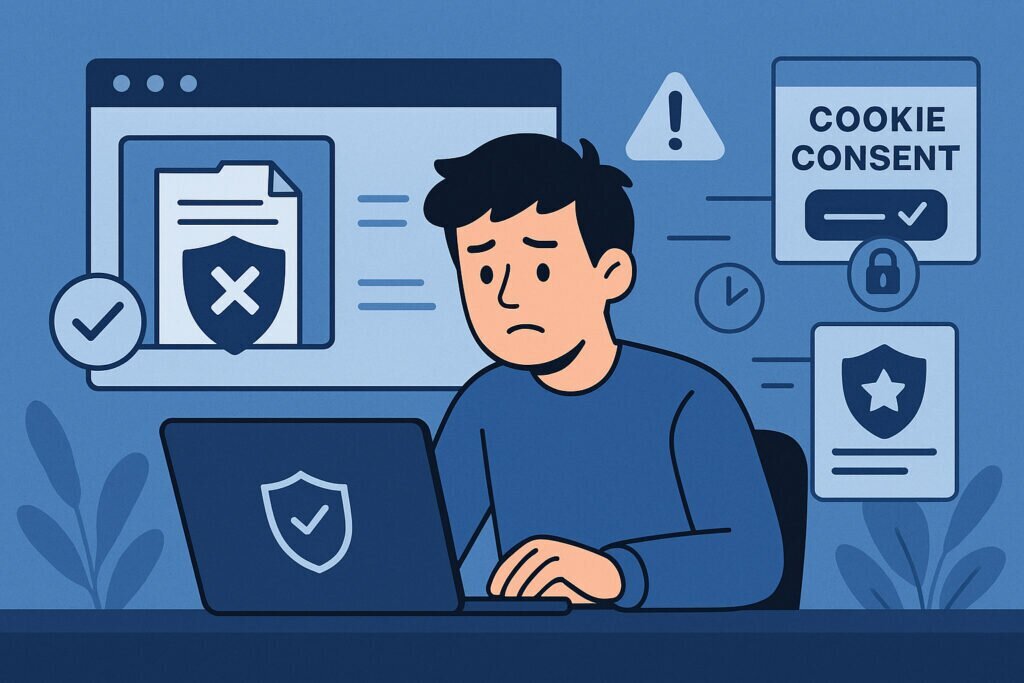
Here’s a scenario that’s more common than most website owners realize: your privacy policy page goes down on a Friday evening, and nobody notices until Monday morning. By then, your site has served thousands of visitors with no accessible privacy policy — a situation that, depending on your jurisdiction, could mean you’ve been operating in violation of GDPR, CCPA, or other data protection regulations for an entire weekend.
The uncomfortable truth is that most businesses have no idea how quickly they can detect a privacy policy outage. Many don’t even monitor for it at all. And that gap between something going wrong and someone noticing is where real risk lives.
Why Privacy Policy Pages Go Down in the First Place
Before we talk about detection, it’s worth understanding why this happens. Privacy policy pages aren’t some rock-solid part of your infrastructure that never changes. They break for surprisingly mundane reasons.
A CMS update might change your permalink structure. Someone on your team accidentally deletes or unpublishes the page while editing. A plugin conflict causes a 500 error on specific pages. A CDN caching issue serves a stale or empty version. Your legal team updates the document through a third-party tool, and the integration silently fails.
I’ve personally seen a case where a WordPress site had its privacy policy page knocked out by a simple database migration. The page existed in the menu, the link looked correct, but clicking it returned a 404. It took nearly five days before anyone flagged it — and only because a customer sent a complaint through a contact form asking where the privacy policy had gone.
Five days. That’s a long time to be non-compliant without knowing it.
The Real Cost of Slow Detection
Let’s be direct about what’s at stake. Under GDPR, failing to provide transparent information about data processing can contribute to enforcement actions. Fines can reach up to 20 million euros or 4% of annual turnover, whichever is higher. Under CCPA, consumers have the right to know how their data is used, and inaccessibility of that information creates legal exposure.
But beyond fines, there’s brand damage. If a visitor tries to read your privacy policy and gets an error page, what does that say about how seriously you take their data? Trust is hard to build and incredibly easy to lose. A single broken compliance page can undo months of credibility work.
And then there’s the practical issue: the longer an outage persists, the harder it becomes to argue it was an honest technical glitch rather than negligence.
How Most Companies Handle It Today (Hint: They Don’t)
There’s a common myth that standard uptime monitoring covers this. It doesn’t — at least not well enough. Most uptime monitoring tools check your homepage or a handful of critical endpoints. Your /privacy-policy page is almost never on that list.
Even companies that do some form of compliance auditing typically do it quarterly or annually. They hire a consultant, run through a checklist, get a report, and file it away. That’s fine for strategic compliance planning, but it does absolutely nothing for catching a page that went down at 2 AM on a Tuesday.
Some teams rely on manual spot-checks. Someone remembers to click through the footer links once in a while. That’s better than nothing, but it’s wildly inconsistent and completely dependent on someone actually remembering to do it.
What Effective Detection Actually Looks Like
Proper privacy policy monitoring needs to do several things simultaneously. First, it needs to check that the page returns an HTTP 200 status — not a redirect, not a soft 404, not a blank page that technically loads but contains no content.
Second, it should verify that the page actually contains meaningful privacy policy content. A page that loads but shows an empty template or a generic error message inside the layout is functionally the same as being down.
Third, checks need to run frequently. Once a day isn’t enough. If your privacy policy goes down at 9 AM and you don’t check again until 9 AM tomorrow, that’s a 24-hour window of exposure. Ideally, you want checks running every few hours at minimum, with automated alerts the moment something looks wrong.
Fourth, the alert needs to reach the right person with clear information about what’s broken and what to do about it. A vague “page might be down” notification buried in a Slack channel that nobody reads is almost as useless as no alert at all.
This is exactly the kind of problem we built ComplianceVigil to solve. It continuously monitors not just whether your privacy policy page is accessible, but whether the actual content is intact and whether related compliance elements like cookie consent banners and terms of service are functioning correctly. When something breaks, you get a clear report with specific action steps — not just a ping that something went wrong.
A Practical Step-by-Step Approach
If you want to improve your detection time starting today, here’s a straightforward path forward.
Start by identifying every compliance-critical page on your site. This includes your privacy policy, terms of service, cookie policy, accessibility statement, and any legal disclosures required in your industry.
Next, set up automated monitoring for each of those URLs. At minimum, monitor for HTTP status codes and basic content presence. Schedule checks at least every six hours — more frequently if your site changes often.
Configure alerts to go to someone who can actually act on them. An email to a shared inbox that gets checked once a week won’t cut it. Use SMS, push notifications, or integrate with whatever incident management workflow your team already uses.
Finally, establish a response procedure. When an alert fires, who investigates? Who has access to fix it? How quickly should it be resolved? Having a plan in advance turns a potential crisis into a routine fix.
Frequently Asked Questions
Does my regular uptime monitor already cover this? Probably not. Most uptime tools monitor your main domain or specific API endpoints, not individual legal pages buried in the footer.
How often do privacy policy pages actually go down? More often than you’d think. Content management changes, plugin updates, and server migrations are all common triggers. Sites that update frequently are especially vulnerable.
Is a brief outage really a compliance risk? It depends on the jurisdiction and duration, but the safest position is to minimize any gap. Regulators look at patterns and due diligence. Being able to show you had monitoring in place and responded quickly is a strong defense.
Can I just check manually once a week? You can, but you’re accepting a detection window of up to seven days. That’s a lot of exposure for something that can be automated in minutes.
The Bottom Line
Privacy policy outages are not a hypothetical risk — they happen regularly to real businesses, and the gap between occurrence and detection is where liability accumulates. The question isn’t whether your privacy policy page will ever go down. It will. The question is whether you’ll know about it in minutes or in days.
Automated, continuous monitoring is the only reliable way to close that gap. Whether you build your own solution or use a purpose-built service like ComplianceVigil, the important thing is to stop treating compliance pages as set-and-forget and start treating them as the critical infrastructure they actually are.