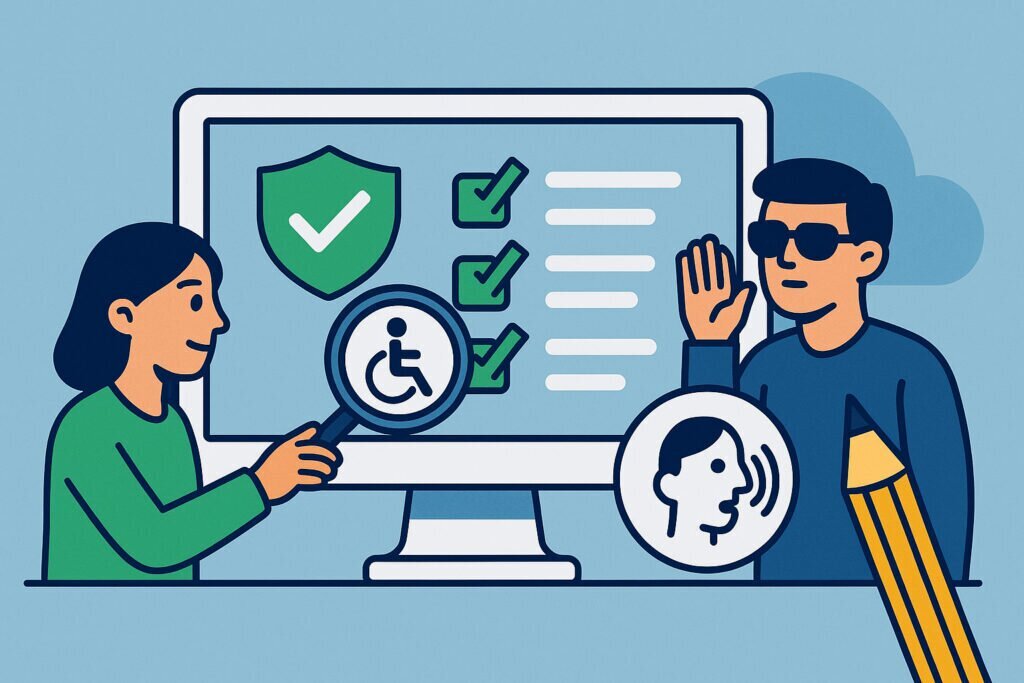
If you run a website — whether it’s a small business site, an online store, or a corporate platform — there’s a good chance accessibility compliance has crossed your desk at some point. Maybe someone mentioned WCAG guidelines in a meeting. Maybe you got a strongly worded email from a user who couldn’t navigate your checkout page with a screen reader. Or maybe you just saw a headline about another company getting sued over their inaccessible website and thought, “Should I be worried about that?”
The short answer is yes. But not because of lawsuits — though those are real. The deeper reason is that accessibility isn’t really about ticking boxes on a checklist. It’s about whether actual people can actually use what you’ve built. And once you start thinking about it that way, everything shifts.
The Real Scale of the Problem
Roughly 16% of the world’s population lives with some form of disability. That’s over a billion people. In the European Union alone, the European Accessibility Act is reshaping how digital services must operate, and similar legislation is tightening in the US, UK, Canada, and Australia. The legal landscape is no longer theoretical — it’s actively enforced.
But here’s what many businesses miss: the majority of accessibility issues on the web aren’t caused by malice or indifference. They’re caused by oversight. A developer forgets to add alt text to product images. A designer picks a color combination that looks sleek but fails contrast ratios. A form works perfectly with a mouse but becomes a dead end for anyone navigating with a keyboard. These aren’t edge cases. They happen on millions of sites every day.
A Lesson From Our Own Monitoring Work
I work with website compliance monitoring, and a few months ago we ran a broad scan across several hundred Finnish business websites to check for basic accessibility indicators. The results were eye-opening. A significant portion of sites had no accessibility statement at all — not because the owners didn’t care, but because nobody had told them it was expected. Others had statements that were clearly copy-pasted templates with no connection to the actual site’s accessibility status.
One case stuck with me. A mid-sized e-commerce company had invested heavily in redesigning their site. Beautiful layout, fast loading times, great mobile experience. But their entire product filtering system relied on drag-and-drop interactions with no keyboard alternative. A blind user literally could not browse their catalog. The company had spent tens of thousands on the redesign and nobody had thought to test it with assistive technology. That’s not a checkbox problem. That’s a process problem.
Why Checklists Alone Fall Short
WCAG 2.1 (and the emerging 2.2 standard) provides an excellent framework. Level AA conformance is the most commonly referenced target, and it covers things like text alternatives, keyboard navigation, sufficient color contrast, and consistent navigation patterns. Following these guidelines is absolutely the right starting point.
The trouble is when companies treat WCAG as a one-time audit. You check the boxes, get a report, fix the flagged issues, and move on. Three months later, someone publishes a new blog post with an embedded video that has no captions. A plugin update breaks the tab order on your contact form. A new team member uploads fifty images without alt attributes because nobody mentioned it in onboarding.
Accessibility isn’t a state you achieve. It’s a practice you maintain. And that distinction matters enormously.
Building Accessibility Into Your Workflow — Step by Step
If you’re starting from scratch or trying to get more serious about this, here’s a practical path forward.
First, audit where you stand today. Use tools like WAVE, axe DevTools, or Lighthouse to get a baseline reading. These won’t catch everything — automated tools typically find about 30-40% of accessibility issues — but they’ll surface the low-hanging fruit fast.
Second, test with real assistive technology. Turn on VoiceOver on your Mac or NVDA on Windows and try to navigate your own site. This ten-minute exercise will teach you more about accessibility than any whitepaper. If you can’t complete your own checkout process without a mouse, your customers can’t either.
Third, fix the structural issues first. Proper heading hierarchy, landmark regions, form labels, and image alt text form the foundation. Get these right and you solve a huge percentage of usability problems.
Fourth, make it part of your content process. Every time someone publishes a page, uploads an image, or adds a video, accessibility should be part of the workflow — not an afterthought. Write it into your CMS guidelines. Add it to your editorial checklist.
Fifth, monitor continuously. This is where automated compliance monitoring becomes genuinely valuable. A tool that regularly checks whether your accessibility statement is present, whether key technical elements remain intact, and whether new content meets baseline standards catches problems before users do — or before regulators do.
Common Myths That Hold Companies Back
“Accessibility is only for government sites.” Not anymore. Private sector websites are increasingly subject to accessibility requirements under disability discrimination laws across multiple jurisdictions. In the US, ADA lawsuits targeting commercial websites have grown steadily year over year.
“It’s too expensive to implement.” Retrofitting an inaccessible site is expensive. Building accessibility in from the start costs very little extra. And the cost of a lawsuit or a lost customer segment dwarfs both.
“Our audience doesn’t include disabled people.” You don’t know that. Many disabilities are invisible, temporary, or situational. Someone with a broken arm, a migraine, or poor lighting conditions benefits from accessible design just as much as someone with a permanent disability.
Frequently Asked Questions
Do I need an accessibility statement on my website? In the EU, yes — it’s increasingly required by law, particularly for public sector bodies and soon for many private sector services under the European Accessibility Act. Even where not legally mandatory, it signals good faith and transparency.
Can I just install an overlay widget and be compliant? Overlay tools are controversial in the accessibility community. Most experts agree they don’t fix underlying code problems and can sometimes make things worse. They are not a substitute for proper remediation.
How often should I check my site’s accessibility? After every significant update at minimum. Ideally, automated monitoring should run continuously so you catch regressions the moment they appear, not weeks later during a manual review.
The Bigger Picture
At the end of the day, accessibility compliance is about respect. It’s about acknowledging that the web is for everyone — not just people who navigate it the way your designer does. When you build and maintain an accessible website, you’re not just avoiding fines. You’re expanding your audience, improving your SEO, building brand trust, and doing something genuinely decent.
That’s worth a lot more than any checkbox.