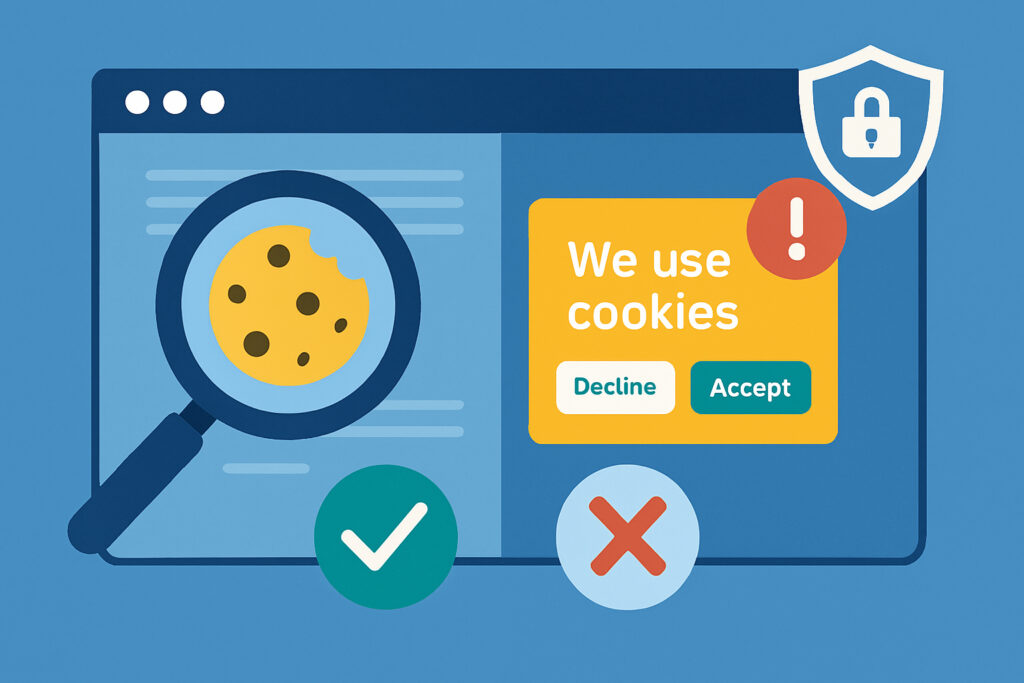
If you’ve ever clicked ”Accept All Cookies” on a website just to make the banner disappear, you’re not alone. But here’s what most website owners don’t realize: having a cookie banner doesn’t automatically mean you’re compliant with privacy laws. The difference between appearing compliant and actually being compliant can cost your business thousands in fines and seriously damage customer trust.
I learned this the hard way a few years back when auditing client websites. One e-commerce site had a beautiful, professionally designed cookie consent banner that looked perfect. The problem? It was loading tracking scripts before users even had a chance to click anything. The banner was purely cosmetic – a checkbox exercise that provided zero actual protection for user privacy.
The Appearance of Compliance: Why Pretty Banners Aren’t Enough
Walk through any commercial website today and you’ll encounter cookie consent notices. They’ve become so ubiquitous that most users barely register them anymore. But regulations like GDPR, ePrivacy Directive, and various national laws don’t care about aesthetics – they care about functionality.
A compliant cookie consent system must do three things technically: prevent non-essential cookies from loading before consent is given, properly categorize cookies by purpose, and respect user choices across their entire browsing session. Simply displaying a banner that users can dismiss doesn’t accomplish any of these requirements.
The visual presentation is the easy part. Anyone can add a popup with ”Accept” and ”Decline” buttons. The hard part is the technical architecture behind those buttons – the code that actually controls what happens when users make their choices.
What Technical Implementation Actually Means
True technical implementation means your consent mechanism is wired directly into how your website loads and executes scripts. When a user lands on your site, only strictly necessary cookies (those required for basic functionality) should be active. Everything else – analytics, advertising, social media widgets, third-party integrations – needs to wait.
This requires cookie blocking at the script level. Your consent management platform must intercept script loading, categorize each cookie-setting technology, and only initialize them after receiving appropriate user permission. It’s not enough to hide tracking pixels with CSS or delay their appearance by a few seconds. They simply cannot execute until consent is granted.
Many website owners assume their WordPress plugin or third-party consent tool handles this automatically. Sometimes it does. Often it doesn’t. I’ve tested sites where Google Analytics was firing immediately on page load despite users never clicking ”Accept.” The banner was there, looking professional, but it was completely disconnected from actual cookie management.
The Technical Checklist: What Your Implementation Must Include
Start by auditing what actually loads before any user interaction. Use your browser’s developer tools (Network tab) to see which scripts execute on page load. You’ll likely be surprised. Common culprits include analytics platforms, heatmapping tools, chatbots, and embedded social media content.
Next, ensure your consent platform provides granular control. Users must be able to accept or reject different cookie categories independently – not just an ”all or nothing” choice. The interface should clearly explain what each category does in plain language.
Your implementation needs to remember user choices correctly. If someone declines analytics cookies, that preference must persist across page navigation and return visits. The consent decision itself should be stored in a cookie (ironically), but this is considered a strictly necessary cookie for providing the service the user requested.
Script blocking must be active by default. This is the critical technical requirement most sites fail. Your consent management code must load before anything else and prevent other scripts from initializing. Some platforms accomplish this through custom JavaScript, others through tag management systems like Google Tag Manager.
Common Technical Failures That Look Fine
The most dangerous compliance failures are invisible to casual observation. Your cookie banner might appear immediately, display the right legal text, and provide proper choice options – while simultaneously violating privacy laws through poor technical implementation.
Pre-consent data collection is the biggest issue. Many analytics and advertising platforms initialize the moment your page loads, before users see or interact with your consent notice. By the time they click ”Decline,” their data has already been collected and transmitted.
Fake ”reject” buttons that don’t actually reject anything are surprisingly common. The button exists and users can click it, but the underlying code still loads tracking scripts. This is sometimes intentional, sometimes just sloppy implementation.
Consent walls that block all site access until users accept cookies violate GDPR in most cases. Users must be able to access your content with only essential cookies enabled. Requiring consent for access isn’t really consent – it’s coercion.
Testing Your Implementation
Don’t trust appearances. Test functionality directly. Clear your browser cookies and cache, then visit your site with developer tools open. Without clicking anything on the cookie banner, examine which network requests are made and which cookies are set. If you see analytics, advertising, or social media requests before you’ve granted consent, you have a problem.
Test the rejection path specifically. Click ”Reject All” and navigate through several pages. Third-party scripts should not load. Return to your site days later – your rejection should still be active.
Use automated scanning tools as a baseline, but don’t rely on them exclusively. Tools like cookie scanners can identify what’s present but may miss timing and execution issues. Manual testing with browser developer tools gives you the complete picture.
Why This Matters Beyond Fines
Compliance isn’t just about avoiding regulatory penalties, though those are serious – GDPR fines can reach 4% of global annual revenue. The deeper issue is user trust. Privacy-conscious users are increasingly sophisticated about checking how websites handle their data. When they notice you’re tracking them despite clicking ”Decline,” they remember. They don’t come back.
Building compliance properly from the start is significantly easier than retrofitting it later. If you’re launching a new site or redesigning an existing one, make proper cookie consent implementation a core technical requirement, not an afterthought. Your legal team, development team, and marketing team need to be aligned on what compliance actually requires.
The gap between appearance and reality in cookie consent is where most websites fail. A beautiful, legally worded banner means nothing if the technical implementation underneath doesn’t respect user choices. True compliance requires both the front-end interface and the back-end functionality working together correctly. Anything less is just theater.