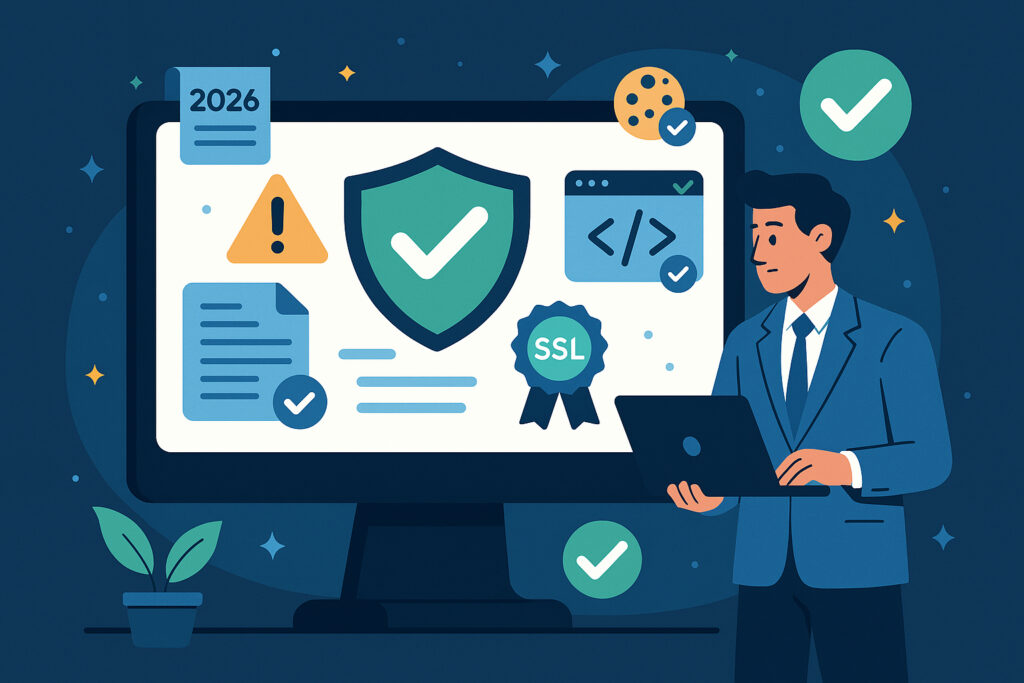
If you run a website in 2026, compliance is no longer something you handle once and forget about. The rules have changed, enforcement has gotten sharper, and the consequences of getting it wrong are bigger than ever. Whether you operate a small online store or manage a corporate web presence, there are specific things you need to monitor continuously — not annually, not quarterly, but all the time.
This article walks you through exactly what those things are, why they matter right now, and how to stay ahead without burning out your team.
Why Compliance Has Become a Moving Target
A few years ago, most businesses treated compliance as a checklist. You added a privacy policy, slapped a cookie banner on your site, and moved on. That approach worked — until it didn’t.
Today, regulations across Europe, North America, and Asia-Pacific are updated frequently. The EU’s accessibility requirements have tightened. GDPR enforcement has matured from warning letters to actual fines. Several countries have introduced new data protection laws that didn’t exist three years ago. And consumers have become far more aware of their rights.
The result is a landscape where a website that was fully compliant in January might have gaps by March. Not because anyone made a mistake, but because the requirements shifted underneath them.
The Six Areas You Must Monitor Continuously
Let me break this down into the core areas that every business should have on their radar.
1. Privacy policies and legal documentation. Your privacy policy needs to accurately reflect how you collect, store, and process data — right now, not when it was last updated. If you’ve added a new analytics tool, changed your email provider, or started using AI-powered features, your privacy policy likely needs updating. The same goes for terms of service and any legally required business identifiers like company registration numbers.
2. Cookie consent mechanisms. This is where I see businesses trip up constantly. Having a cookie banner is not the same as having a compliant one. The banner needs to actually block non-essential cookies until consent is given. I’ve personally audited sites where the consent popup looked perfect, but tracking scripts were firing before any user interaction. That’s not a technicality — it’s a violation.
3. SSL certificates and transport security. An expired or misconfigured SSL certificate does more than trigger a browser warning. It signals to regulators and customers that security isn’t a priority. Beyond the certificate itself, your security headers matter. Headers like Content-Security-Policy, Strict-Transport-Security, and X-Frame-Options form a critical layer of protection that many businesses still overlook.
4. Accessibility statements and compliance. Web accessibility legislation has expanded significantly. In the EU, the European Accessibility Act is now in effect, and businesses that serve consumers need to meet specific standards. An accessibility statement isn’t just a nice gesture — it’s a legal requirement in many jurisdictions. And it needs to be accurate and maintained.
5. Consumer rights and disclosure requirements. Depending on your market, you may need to display specific information about return policies, complaint procedures, dispute resolution, or pricing transparency. These requirements vary by country and sector, and they change more often than most people realize.
6. Technical security posture. This includes everything from how your server responds to requests to whether your site leaks information through misconfigured headers or outdated software. A single WordPress plugin that hasn’t been updated can introduce vulnerabilities that affect your compliance status.
A Hard Lesson From Real Life
I’ll share a quick example. A client of ours — a mid-sized Finnish e-commerce company — had what they believed was a solid compliance setup. They’d invested in a proper cookie consent platform, had their legal documents reviewed by a lawyer, and their SSL was current. Everything looked good on paper.
Then one routine update to their content management system quietly broke the cookie consent script. For three weeks, every visitor was being tracked without consent. No one noticed because no one was monitoring it. The fix took five minutes. The reputational damage and the scramble to assess the breach took considerably longer.
That kind of thing happens more often than anyone in the industry likes to admit. It’s not about negligence. It’s about the sheer number of moving parts in a modern website.
Manual Checks Don’t Scale
One common myth is that a quarterly compliance audit is enough. It isn’t — not in 2026. Websites change constantly. Content gets updated, plugins get patched or break, certificates expire, and new regulations take effect. A quarterly check means you could be out of compliance for weeks or months without knowing it.
Another myth is that your web developer handles compliance. Developers build and maintain sites. Compliance monitoring is a different discipline. Expecting your developer to manually check legal documents, cookie behavior, security headers, and accessibility requirements on a regular basis is unrealistic.
This is exactly why automated monitoring exists. Tools that check your site daily — or even hourly — and alert you when something falls out of compliance are no longer optional for serious businesses. They’re infrastructure, just like backups and uptime monitoring.
How to Get Started: A Practical Approach
If you’re not sure where your compliance stands today, here’s a straightforward path forward.
Week one: Audit your current state. Check your privacy policy, cookie consent behavior, SSL certificate, security headers, accessibility statement, and legal disclosures. Document what’s current and what’s outdated.
Week two: Fix the obvious gaps. Update your legal documents, repair broken consent mechanisms, and address any expired or weak security configurations.
Week three: Set up continuous monitoring. Whether you use a dedicated platform like ComplianceVigil or build your own checks, the key is automation. You need something that watches your site around the clock and tells you when something breaks.
Ongoing: Review alerts promptly and treat compliance issues with the same urgency as downtime. Because in many ways, a compliance failure is worse than downtime — your site is still running, but it’s running in violation.
Frequently Asked Questions
Do small businesses really need compliance monitoring? Yes. Regulators don’t distinguish by company size when it comes to data protection and consumer rights. In fact, smaller businesses are often more vulnerable because they lack dedicated legal or compliance teams.
How often should compliance be checked? Daily at minimum for critical items like SSL and cookie consent. Weekly for legal documentation reviews. Immediately after any site update or change.
Can I just use free online tools? Free tools can give you a snapshot, but they don’t provide continuous monitoring or alerting. A one-time scan tells you where you stand today. It tells you nothing about tomorrow.
What happens if I’m found non-compliant? Consequences range from formal warnings and mandatory corrective actions to significant financial penalties. Under GDPR, fines can reach up to 4% of annual global turnover. Beyond fines, there’s the loss of customer trust, which is often harder to recover from.
The Bottom Line
Digital compliance in 2026 is not a project with a finish line. It’s an ongoing responsibility that requires attention, tools, and a mindset shift from reactive to proactive. The businesses that thrive are the ones that treat compliance monitoring as essential infrastructure — invisible when it’s working, catastrophic when it’s not.
Start with what you can control today, automate what you can, and don’t wait for a problem to remind you why this matters.