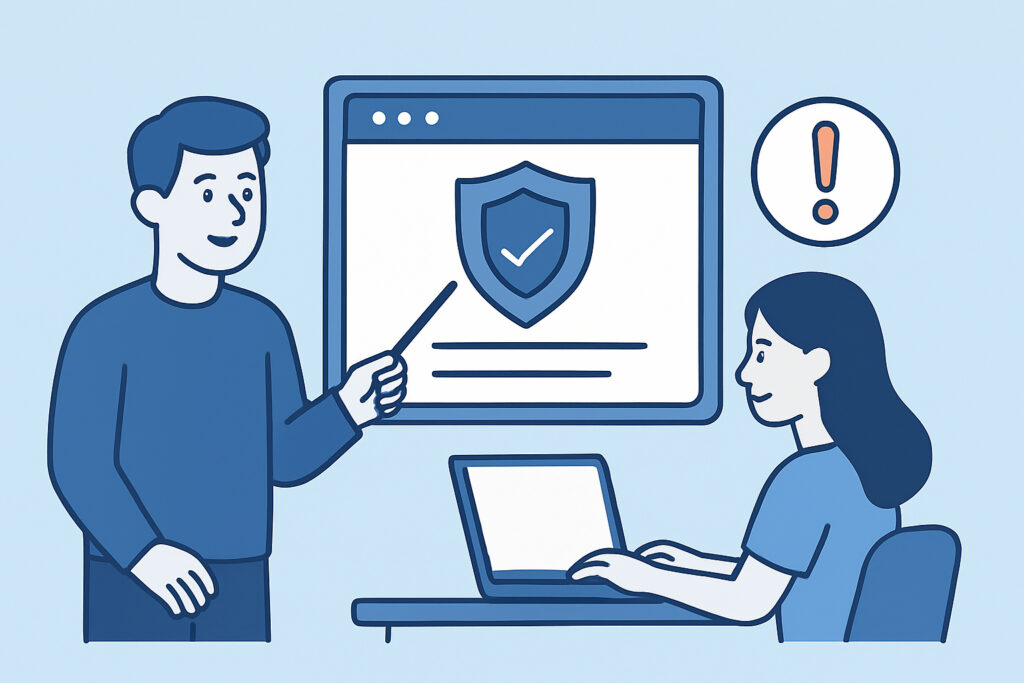
Most website compliance failures don’t start with a hacker or a regulator – they start with an employee who didn’t realize a routine task had legal consequences. Employee training for website compliance awareness closes exactly that gap, turning marketing staff, developers, and content editors into a first line of defense instead of the weakest link. A single well-meaning content update, a new tracking script added for a campaign, or a copy-pasted terms of service clause from a template can quietly break compliance across an entire site without anyone noticing for weeks.
Why Compliance Awareness Can’t Stay With Legal Alone
Legal and compliance teams write the policies, but they rarely touch the website day to day. The people actually publishing pages, installing plugins, and managing the CMS are marketing coordinators, developers, and customer support staff – and most of them have never been told which of their routine actions carry regulatory weight.
A developer pushing a redesign might not know that removing a footer link accidentally strips the accessibility statement from every page. A marketer setting up a new email capture form might not realize the privacy policy link needs to sit directly next to the consent checkbox, not three clicks away. None of this is malicious. It’s a training gap.
Common Mistakes That Start With Good Intentions
A typical scenario: the marketing team launches a seasonal promotion and adds a new analytics tag through the tag manager to measure campaign performance. Nobody loops in the person who manages cookie consent categories. The script starts firing before consent is given, and the cookie banner – which still looks and behaves correctly to the naked eye – is technically non-compliant underneath.
This is a common pattern, and it’s worth knowing that third-party scripts often cause compliance gaps that are invisible during a normal visual check. The banner displays, the button works, but the data collection behind it doesn’t match what was disclosed.
Other frequent slip-ups include:
Publishing a new landing page without checking whether the required legal footer links carried over from the template.
Updating a returns or shipping policy without notifying whoever manages the corresponding consumer disclosure page.
Assuming a plugin update won’t affect security headers or SSL configuration, when in practice it can silently reset server settings.
Copying business registration details from an old template instead of the current, correct entity information.
Each of these is a five-minute training topic, not a lengthy legal seminar – but almost none of them are covered in standard onboarding.
What a Practical Training Program Should Actually Cover
Effective training for non-legal staff doesn’t need to explain GDPR article numbers. It needs to answer one question: “which of my daily tasks could break something legally required on this site?”
A workable program covers:
1. Which pages and elements are legally required – privacy policy, terms of service, accessibility statement, business ID, cookie consent – and who owns each one.
2. A simple rule: any change to scripts, tracking, forms, or third-party embeds gets flagged to whoever manages consent and data processing, before it goes live.
3. What “before and after” checks look like for a website update – not just visually, but functionally. Routine updates are one of the most common sources of compliance drift, precisely because teams check how a page looks, not what it actually does in the background.
4. A short escalation path: who gets notified if someone spots a missing policy link, an expired certificate warning, or a cookie banner that isn’t behaving as expected.
5. Refresher sessions tied to regulatory changes, not a fixed annual calendar – training that only happens once a year goes stale fast when rules shift mid-cycle.
For mid-sized organizations, this is usually where a data protection contact becomes useful even without a full-time hire. Someone needs to own the ongoing decisions around data handling, and training works far better when there’s a named person to escalate to rather than a vague policy document nobody reads.
The Myth Worth Retiring: “Compliance Is IT’s Job”
One of the most persistent misconceptions is that website compliance is purely a technical or legal matter, handled entirely by developers or outside counsel. In practice, the majority of compliance-breaking changes come from non-technical staff making content or marketing updates – not from engineers touching server code.
A marketer adding a plugin, a support agent updating an FAQ page, a content writer republishing an old blog post with an outdated cookie notice embedded in a screenshot – these are the actual failure points in most organizations. Training that only targets developers misses where the real risk sits.
Making Awareness Stick Beyond a One-Time Session
Training loses value fast if it’s a single onboarding slide deck nobody revisits. The organizations that manage this well treat compliance awareness as an ongoing habit, reinforced with short refreshers whenever something changes – a new regulation, a new tool, a new team member.
It also helps to pair training with a safety net. Even well-trained staff will occasionally miss something, especially under deadline pressure. Continuous monitoring that checks legal pages, cookie behavior, and security configuration in the background catches what training alone can’t, and turns a potential violation into a quick fix before it reaches a regulator or a customer complaint.
Frequently Asked Questions
How often should website compliance training be repeated?
At minimum once a year, but ideally whenever a regulation changes, a new tool or plugin is adopted, or the site undergoes a significant redesign. Short, focused refreshers work better than a single long annual session.
Who should receive this training besides the legal team?
Anyone who can publish, edit, or configure something on the live website – marketing staff, customer support, developers, and content editors. The people causing accidental compliance gaps are rarely the ones writing the policies.
Can training alone guarantee a compliant website?
No. Training reduces the frequency of human error but doesn’t catch every technical failure, such as an expired SSL certificate or a cookie script misfiring behind a working-looking banner. It works best paired with ongoing technical checks rather than as a standalone measure.
Training turns compliance from a document sitting in a shared drive into a set of habits people actually follow when they touch the website. Start with the handful of tasks most likely to cause a problem – publishing, tracking scripts, and content updates – and build the rest of the program around real mistakes rather than theoretical ones.