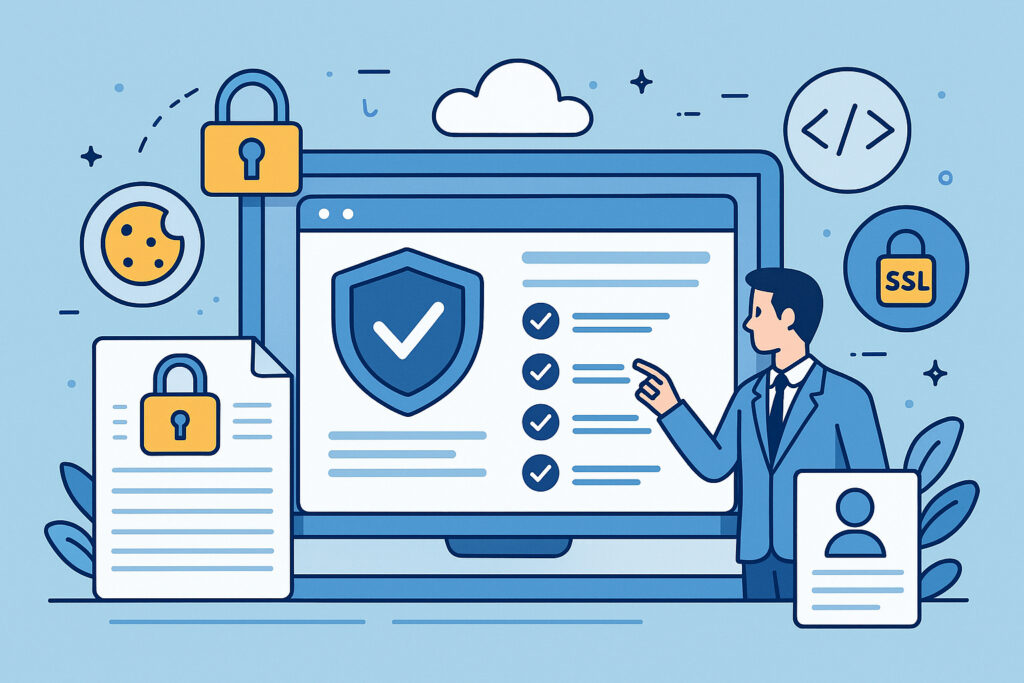
If you’ve ever woken up at 3 AM wondering whether your cookie consent banner is still working after last night’s website update, or if your privacy policy link somehow broke during that CMS migration, you already understand why compliance automation isn’t just a luxury—it’s a survival necessity. Manual compliance checking is like trying to watch all your security cameras at once: theoretically possible, but practically exhausting and prone to human error at the worst possible moments.
Why Manual Compliance Checking Fails in Modern Web Environments
The fundamental problem with manual compliance monitoring is that websites are living, breathing ecosystems that change constantly. Every plugin update, every content modification, every server configuration tweak creates potential compliance breaks. I learned this the hard way when managing a client’s e-commerce site—we’d manually verified GDPR compliance on Friday, pushed a minor CSS update on Monday, and somehow the cookie consent mechanism stopped firing properly. A user complaint two weeks later revealed we’d been collecting analytics data without proper consent for fourteen days straight.
The math simply doesn’t work in your favor. If you’re running even a modest online business, you’re dealing with dozens of compliance checkpoints: privacy policies, terms of service, cookie consent mechanisms, security headers, SSL certificates, accessibility statements, company registration details, consumer rights notices, and more. Checking these manually even once weekly means dedicating several hours to repetitive verification work that catches problems only after they’ve already occurred.
What Actually Needs to Be Monitored
Real compliance monitoring goes far beyond checking whether your privacy policy page exists. You need to verify that legal documents are accessible and haven’t been accidentally removed during site restructuring. Cookie consent systems must be functionally operational, not just visually present—I’ve seen countless implementations where the banner displays beautifully but doesn’t actually block tracking scripts until consent is granted.
Security headers require continuous validation because server updates or CDN configuration changes can silently break them. SSL certificates need monitoring not just for expiration but for proper implementation and certificate chain integrity. Company registration numbers and VAT IDs must remain visible and correctly formatted across all required pages. Accessibility statements, increasingly mandated by law in many jurisdictions, need to exist and stay current as your site evolves.
Building an Effective Automated Compliance System
The foundation of compliance automation is continuous monitoring rather than periodic audits. Your system should check critical compliance points multiple times daily, not once a week. This shift from auditing to monitoring fundamentally changes how quickly you catch and fix problems.
Start by identifying every compliance requirement specific to your jurisdiction and industry. E-commerce sites have different obligations than informational sites. EU-based operations face GDPR requirements that US-only sites may not. Create a comprehensive checklist, then prioritize items by both legal severity and likelihood of breaking. Your privacy policy link is unlikely to disappear randomly, but cookie consent scripts can easily break during JavaScript updates.
Implement multi-layered checks that verify both presence and functionality. It’s not enough to confirm a cookie consent banner exists—your automation should verify that it actually intercepts tracking code execution before user consent. Security headers need actual header inspection, not just homepage checks, because configurations might differ across subdomains or specific page types.
Common Automation Pitfalls to Avoid
Many businesses make the mistake of automating checks but not responses. Discovering a compliance break at 2 PM on Friday afternoon helps only if someone actually sees the alert and can take action. Your automation should include intelligent alerting that escalates based on severity and time sensitivity. A missing privacy policy requires immediate attention; an expiring SSL certificate in 45 days can wait for normal business hours.
Another frequent error is checking too shallow. Some automated systems verify that your terms of service page returns HTTP 200 but don’t confirm the page actually contains your terms—it might be displaying a 404 page with 200 status. Real automation should analyze page content, not just server responses.
Don’t forget about mobile and different user scenarios. Your desktop cookie consent might work perfectly while the mobile version fails. Test from multiple devices, browsers, and geographic locations if you serve international audiences, since GDPR requirements differ from CCPA implementations.
The ROI of Compliance Automation
Calculate the cost of manual compliance checking honestly: How many hours monthly does someone spend verifying legal pages, testing cookie consent, checking security configurations? Multiply that by their hourly rate, then add the hidden cost of problems discovered too late. A single GDPR violation can cost thousands in fines, not to mention reputation damage and customer trust erosion.
Automation typically pays for itself within months purely from recovered staff time. The real value comes from risk mitigation—catching that broken cookie consent on day one instead of week three, discovering the missing accessibility statement before a user files a complaint, identifying the misconfigured security header before it creates a vulnerability window.
Frequently Asked Questions
How often should automated compliance checks run? Critical items like SSL certificates and security headers should be checked multiple times daily. Legal document accessibility can be verified once or twice daily unless you’re making frequent site changes.
Can automation replace legal review entirely? No—automation verifies technical implementation and availability, but you still need legal professionals to ensure your actual policies meet current legal requirements. Automation tells you if your privacy policy is accessible; lawyers tell you if it’s legally adequate.
What happens when automation detects a problem? Good systems provide immediate alerts with specific details about what broke and when. The best implementations suggest remediation steps based on the type of failure detected.
Compliance automation isn’t about replacing human judgment—it’s about freeing humans from repetitive verification work so they can focus on strategic compliance improvements. When your monitoring system handles the tedious task of confirming everything still works as intended, you can dedicate your energy to improving your actual compliance posture rather than just maintaining it.