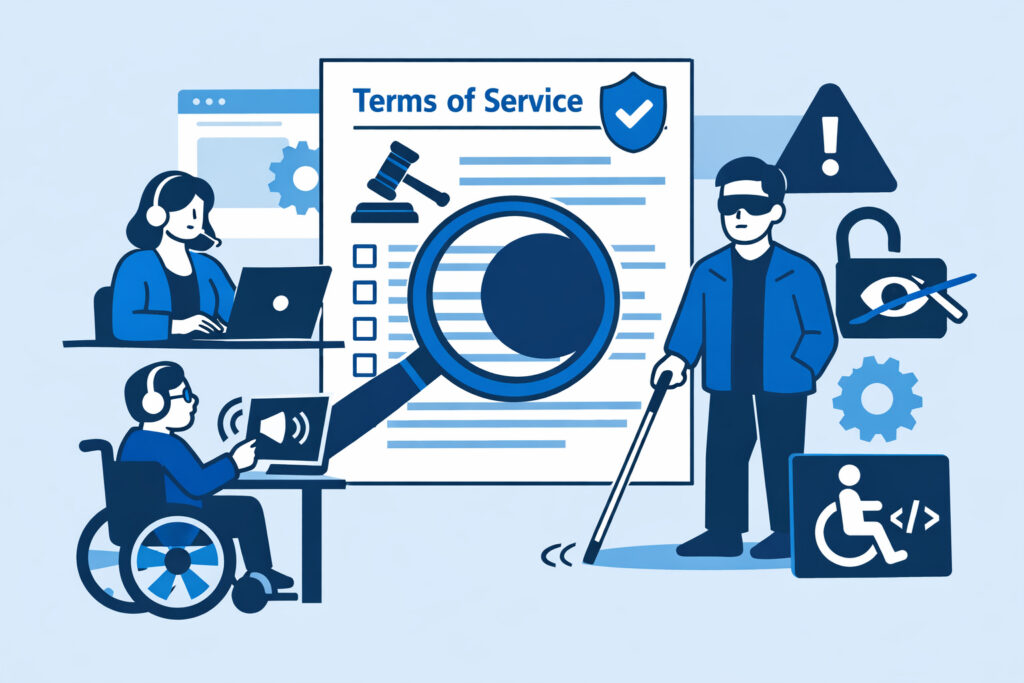
If you run a website that serves customers — whether it’s an e-commerce store, a SaaS platform, or even a content site with user accounts — your terms of service need to be accessible at all times. Not just published somewhere. Not just technically present in the HTML. Actually accessible to every visitor, including those using screen readers, mobile devices, or assistive technologies. Terms of service accessibility is one of the most overlooked compliance risks on the web today, and it can quietly undermine the legal enforceability of your entire user agreement.
Most businesses spend weeks drafting their terms with legal counsel, then upload the document and never think about it again. That’s where the trouble starts.
Why Terms of Service Accessibility Matters More Than You Think
Here’s the core issue: if a user cannot reasonably access your terms of service, courts in multiple jurisdictions have ruled that those terms may not be enforceable. It doesn’t matter how carefully worded your arbitration clause is or how bulletproof your liability limitations look on paper. If the document wasn’t genuinely available to the user at the time they agreed to it, you’re standing on thin ice.
This isn’t theoretical. There have been real cases where companies lost legal disputes because their terms were buried behind broken links, hidden in inaccessible pop-ups, or rendered unreadable on mobile screens. One scenario I’ve seen repeatedly: a site redesign breaks the footer link to the terms page, and nobody notices for weeks. During that window, every new user who signed up technically never had access to the terms they supposedly agreed to.
The risk multiplies when you consider accessibility in the disability-access sense. If your terms page lacks proper heading structure, has poor color contrast, or can’t be navigated with a keyboard, you’re excluding a significant portion of users. Under regulations like the European Accessibility Act and ADA case law in the United States, that’s not just bad practice — it’s a legal exposure.
The Myth: “We Published It, So We’re Covered”
This is the misconception that trips up even experienced compliance teams. Publishing your terms of service is not the same as making them accessible. A PDF buried three clicks deep in your site footer, rendered in 9px gray text on a white background, technically exists. But it fails every reasonable standard of accessibility.
Regulators and courts increasingly look at whether a reasonable person could find, read, and understand the terms before agreeing. That means your terms page needs to be linkable from every point where consent is collected, it needs to load reliably, and it needs to meet basic web accessibility standards like WCAG 2.1 AA.
Think about your own signup flow. Is the terms link visible before the user clicks “I agree”? Does it open correctly on mobile? Can a screen reader parse it? If you hesitate on any of these, you have a blind spot.
What Breaks Terms of Service Accessibility in Practice
The failures I encounter most often aren’t dramatic. They’re quiet, incremental, and easy to miss:
Broken links after site updates. A CMS migration, theme change, or URL restructure silently breaks the path to your terms page. The link in your footer or signup form now returns a 404. Nobody files a bug report because nobody checks.
JavaScript-dependent rendering. Your terms page loads content dynamically, and if a script fails or a CDN goes down, the page appears blank. Automated bots and some assistive technologies can’t execute the JavaScript, so the content is effectively invisible.
Mobile inaccessibility. The terms page looks fine on desktop but the text overflows, the layout breaks, or a fixed header covers the content on smaller screens. Mobile users — often the majority of your traffic — can’t read what they’re agreeing to.
Missing semantic structure. No heading hierarchy, no landmark regions, no skip-navigation links. Screen reader users land on a wall of undifferentiated text with no way to navigate sections. This is far more common than you’d think, even on otherwise well-built sites.
Intermittent downtime. The terms page is hosted on a subdomain or third-party service that occasionally goes down. If you’re not monitoring for outages on legal document pages, you won’t know it happened until it’s too late.
How to Fix This Blind Spot
Start with an honest audit of your current setup. Open your terms page on a phone. Run it through a screen reader. Check whether it loads without JavaScript. These three tests alone will surface most critical issues.
Then put monitoring in place. Manual checks don’t scale, and they definitely don’t catch 3 AM outages. Automated terms of service monitoring verifies not just that the page returns a 200 status code but that the actual content is present, the link is reachable from your signup flow, and the page meets basic structural requirements.
Build accessibility into the page itself. Use proper HTML heading tags. Ensure sufficient color contrast. Make sure the page is keyboard-navigable. These aren’t extras — they’re baseline requirements under current accessibility regulations, and they directly affect whether your terms hold up legally.
Finally, treat your terms page like any other critical business page. Include it in your deployment testing checklist. Add it to your 24/7 availability monitoring. When your site gets redesigned, verify that legal document links survive the migration. This is the kind of ongoing vigilance that separates compliant organizations from those hoping nobody notices.
The ComplianceVigil Approach
What makes continuous compliance monitoring valuable here is that it catches the problems you don’t think to look for. ComplianceVigil monitors not just uptime but content integrity — confirming that your terms of service page actually contains your terms, not a blank page or an error message. It checks that the page is reachable from the paths where users encounter it and flags changes that might indicate accidental deletion or corruption.
This matters because accessibility compliance is more than just a checkbox. It’s an ongoing operational concern that touches legal, technical, and user-experience teams simultaneously. Automating the detection side means your team can focus on fixing issues instead of finding them.
Frequently Asked Questions
Can inaccessible terms of service actually be ruled unenforceable?
Yes. Courts have found that if users weren’t given a reasonable opportunity to review the terms before agreeing, the contract may not be binding. Broken links, hidden pages, and inaccessible formats have all been cited as factors in such rulings. The legal standard is generally whether a reasonably prudent user would have noticed and been able to read the terms.
Do terms of service pages need to meet WCAG accessibility standards?
In most regulatory frameworks — including the European Accessibility Act and under ADA interpretations in the US — web content that is part of a transaction or agreement should meet at least WCAG 2.1 AA. Your terms page is arguably the most legally significant page on your site, so applying lower accessibility standards to it than to your marketing pages makes no practical sense.
How often should I check that my terms of service page is accessible and available?
Manual quarterly audits are a bare minimum, but they miss intermittent failures and post-deployment breakages. Continuous automated monitoring is the only reliable way to ensure your terms page stays accessible around the clock, especially if your site undergoes frequent updates or uses dynamic content loading.
The bottom line is straightforward: your terms of service are only as strong as your users’ ability to actually access them. Treat that page with the same operational seriousness you give to your checkout flow or login system. Monitor it continuously, test it regularly, and make sure every visitor — regardless of device or ability — can read what they’re agreeing to.